Print Room
Print Room brings together the print-operator job functions — useful where jobs are managed on someone’s behalf.
- My Jobs — your own print jobs.
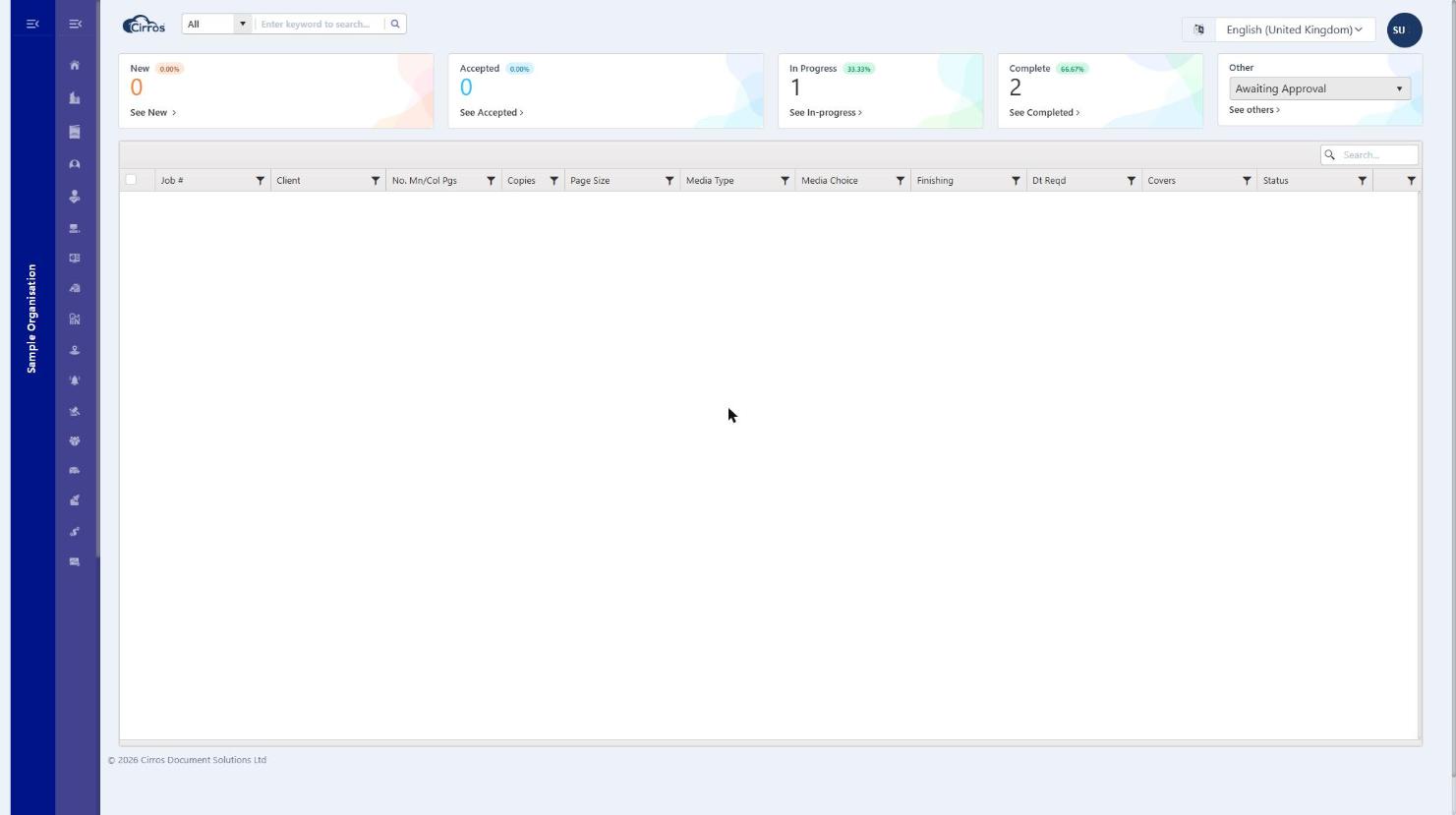
- Job Status — the status of jobs in the system, where operators can release, reject or add notes.
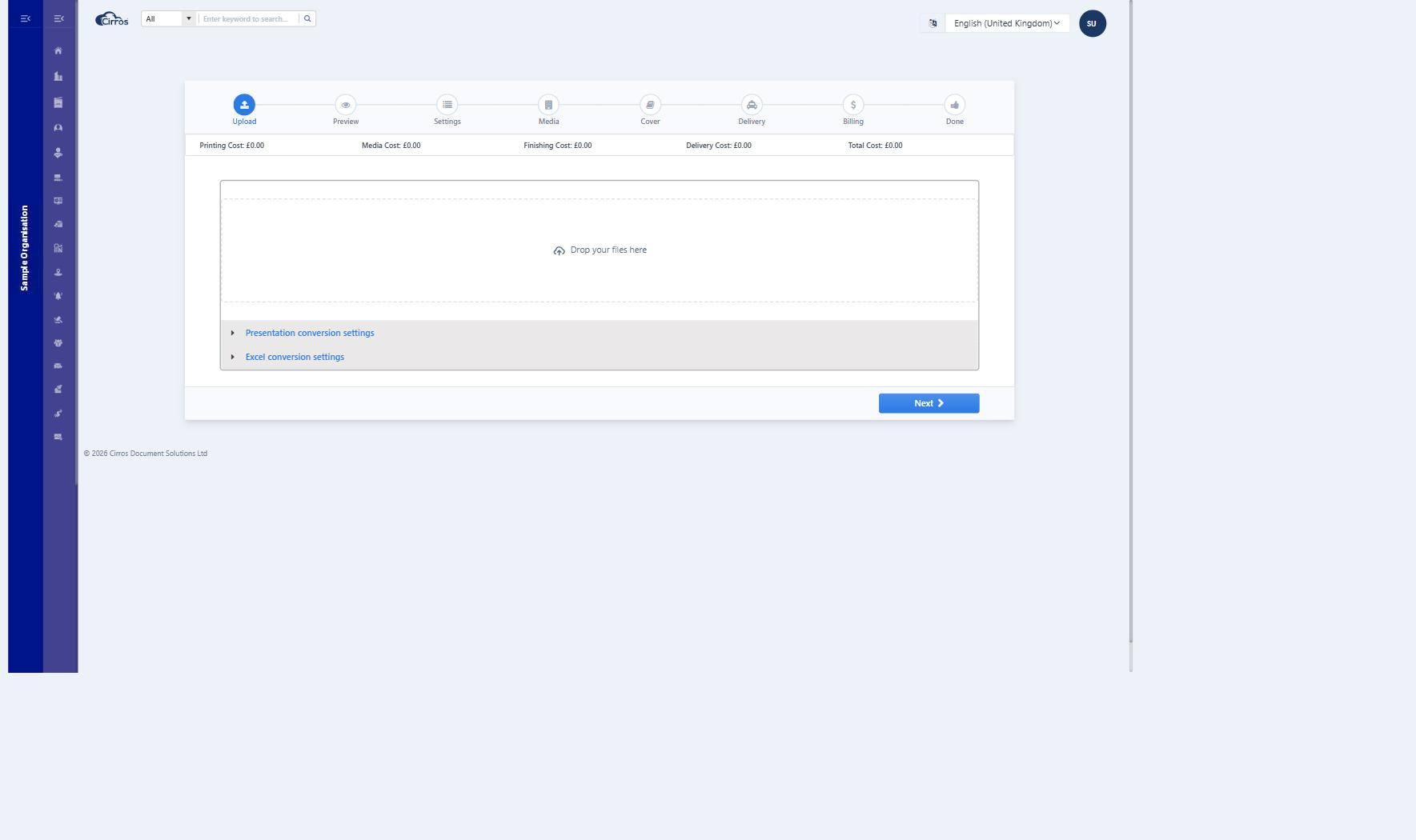
- Upload — upload a document to print yourself. The Upload page is a step-by-step wizard — Upload → Preview → Settings → Media → Cover → Delivery → Billing → Done — with a running cost summary (printing, media, finishing, delivery and total). Drop a file (or browse), choose how it should print and be delivered, then submit.