
Edit company information
Edit the company information held on the Company page of the Cirros Dashboard.
Before you start
Only users with the Company Admin role can edit company information. If you can’t see the Edit Information button, you don’t have that permission. Ask your administrator.
Edit your company information
- Open Company. Go to the Company page.
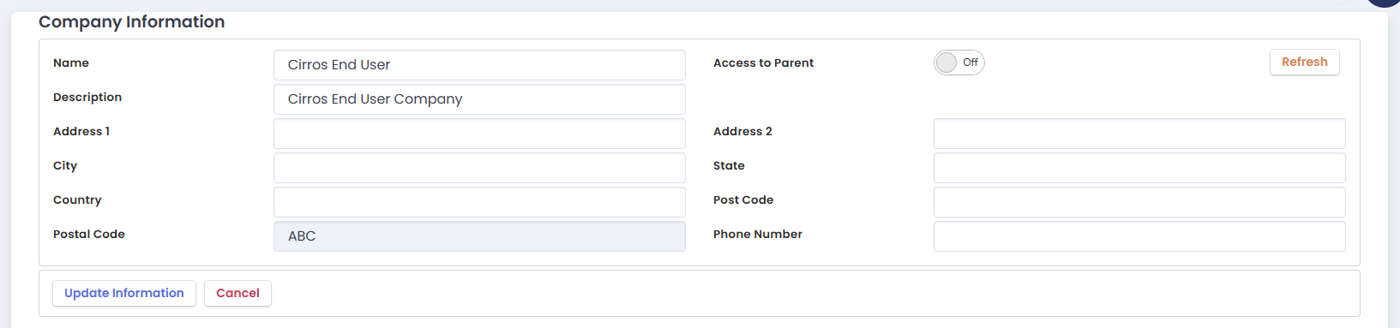
- Start editing. Click Edit Information. The Company Information fields become editable.
- Make your changes. Edit, delete or add information as required.
- Save. Click Update Information to save your changes.
For the rest of the Company page, including pricing and the other tabs, see Company.